

We introduce a practical, safety-first approach for Singapore homes. Our aim is to help you do simple checks before you book professional help. We focus on clear steps that protect your family and your home.
These machines help improve indoor air quality by removing common contaminants and easing symptoms for allergy and asthma sufferers. Even small faults can lower air quality in bedrooms, nurseries and living areas where we spend most time.
We explain common faults — loss of airflow, odd noises, inconsistent operation and poor cleaning performance — and what those symptoms mean in daily use. Our goal is faster fixes, less downtime and reliable performance.
For routine TLC and replacement guidance, see our maintenance guide. We also make clear when to stop and arrange qualified assistance to protect the quality of your indoor air.
How we diagnose air purifier problems in Singapore homes</h2>
We begin with what you notice — smell, sound, airflow or visible dust — and trace each sign to likely causes. Our first step is simple observation so we can narrow options quickly.
What it does for indoor air quality and why faults matter
Devices that clean indoor air remove airborne irritants and reduce lingering odours. When performance drops, occupants may notice more dust on shelves and a decline in overall air quality.
Early warning signs
Quiet units rarely change tone. New whining, clicking or pulsing sounds often point to fan or motor issues.
If you see extra dust settling or the room feels less fresh, treat this as an early sign. Compare current dusting frequency with when the unit ran well.
Immediate action for burning smells or overheating
If you smell burning, stop use immediately. Switch off at the mains and, if needed, turn off the breaker. Contact a professional service and avoid further testing until inspected.
| Symptom | Likely cause | Immediate step |
|---|---|---|
| Reduced airflow | Clogged filter or blocked intake | Check filters and clear vents |
| New noises | Fan misalignment or motor wear | Power off and arrange service |
| Burning smell | Overheating electrical fault | Turn off mains and call professionals |
For safe cleaning tips that help maintain performance, see our guide on using a wet-dry vacuum for routine maintenance: cleaning with a wet-dry vacuum.
Quick checks before air purifier repair: power, settings, and the unit condition</h2>
A few rapid checks at the socket and on the controls often restore normal operation. We start with simple steps that avoid unnecessary costs and keep your home running safely.
Confirming the power supply, plug, and wall socket are working
First, check the power at the wall. Test the same outlet with another device to confirm the socket works.
Look for a loose plug, switched-off strip or tripped breaker. If the cable shows scorch marks or the connection is intermittent, stop using the unit and seek professional help.
Reviewing modes, speed, and timer settings that can mimic a fault
Verify the control panel. Sleep or eco modes run the fan very slowly and can seem like reduced performance.
Check timers, child-locks and display messages. Indicator lights often show a filter warning or fault code rather than a true power failure.
Inspecting the unit for visible damage after drops or knocks
Carry out an external check for cracks, loose panels, bent grilles or rattles. Physical damage can affect airflow and safety.
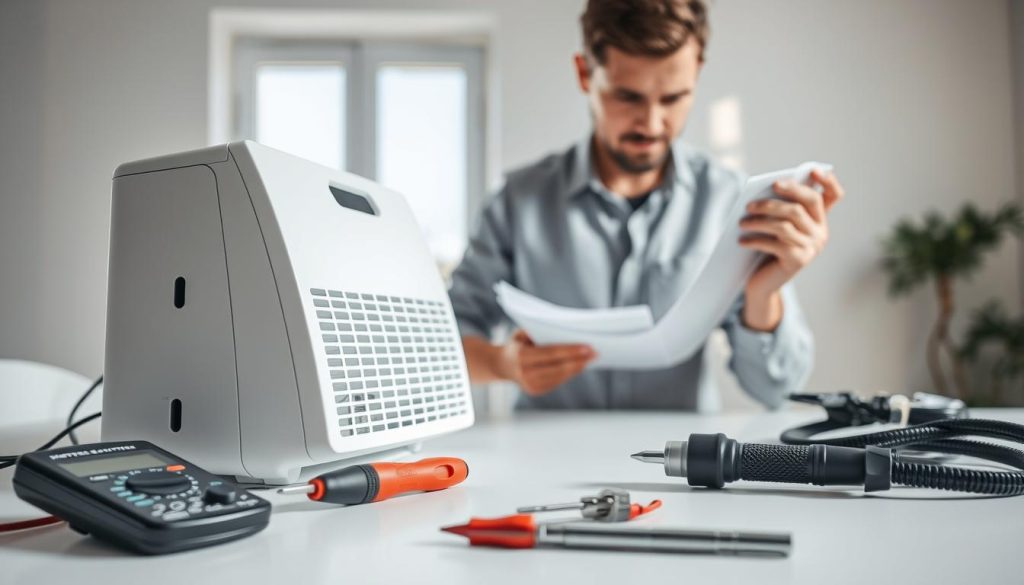
- Test the outlet with another appliance and confirm any power strip is on.
- Confirm mode, fan speed and timer before assuming a fault.
- Stop and escalate if there is damage near the cable entry or signs of overheating.
These quick checks often restore stable operation and protect indoor quality while you decide if a repair visit is needed.
Filter and airflow issues that reduce indoor air quality</h2>
When a filter loads with particles, the whole system struggles and the motor works harder to move the same volume of air. This reduces effectiveness and can raise noise at the same fan setting.
How a dirty or clogged filter affects performance
A blocked filter restricts flow through the unit. Reduced flow means poorer indoor air quality and longer run times. Persistent odours, lower flow and a rise in sound are common signs.
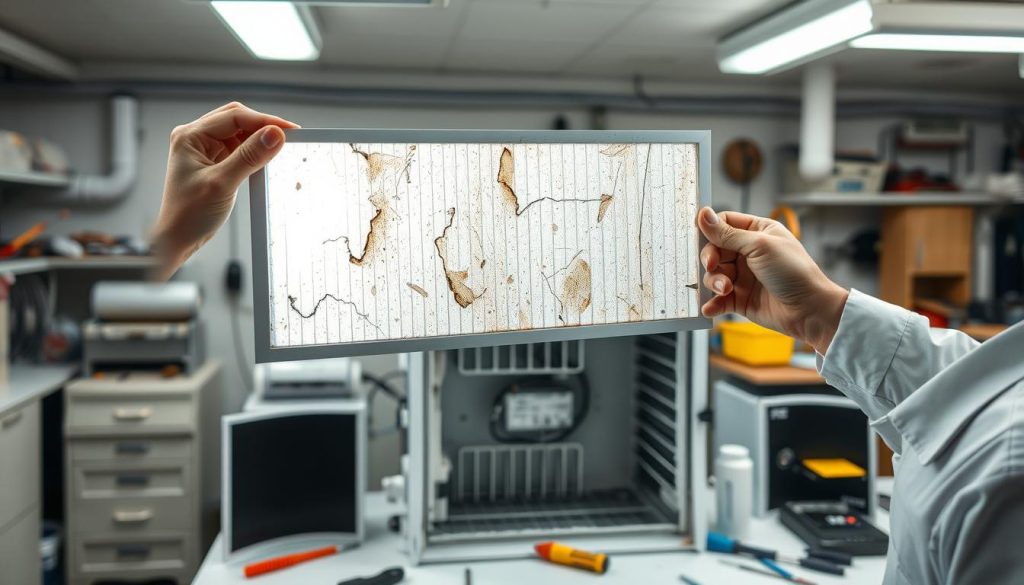
Cleaning or replacing the filter
Follow the manufacturer’s instructions. Remove the filter and either clean or replace it as directed. Never reinstall a damp element or damage seals when refitting.
When dust build-up means earlier replacement
If furniture shows increasing dust, or you live near roads, renovations or haze periods, expect the filter life to shorten. We track usage and environment, not just the calendar.
Cleaning the exterior to protect airflow
Wipe grilles and intakes with a soft, damp cloth to prevent restriction. A cleaner filter and clear vents reduce fan strain and lower the risk of overheating and premature wear.
Air purifier repair for fan and motor faults</h2>
Small faults at the fan or motor often cause the loudest clues. We start by checking obvious obstructions at the intake and outlet without taking the unit apart more than the manual allows.
Checking for obstructions around fan blades and air pathways
Inspect grilles and the visible fan blades for lint, hair or debris that can stop rotation. Clean only as the manufacturer permits and ensure panels are refitted to preserve seals.
Recognising motor-related symptoms
Listen for a low whining sound or a rhythmic “wha wha” pulsing that changes with speed. Reports from consumer models such as the Dyson AM07 and Winix C535 show these patterns when bearings or balance have failed.
Clicking during oscillation and blown fuses
Clicking at sweep points usually means alignment or mechanical interference. A unit that does not start and shows a blown main fuse may have tripped internal protection from overheating or a short; this can point to motor stress or upstream power faults.
Common root causes and safe escalation
Typical causes include worn motor bearings, overheating, a damaged power cord or a faulty socket. If noises worsen, the unit stops unexpectedly or you detect burning odour, switch off at the breaker and arrange professional service.
For safe filter and intake cleaning that reduces fan strain, see our guide to cleaning with a wet-dry vacuum: cleaning with a wet-dry vacuum.
Conclusion</h2>
Our final note focuses on safe decisions: when to persist with quick checks and when to escalate to professional service.
Follow this order: confirm the symptoms, verify power and settings, then check filters and airflow before assuming a major fault. If basic troubleshooting does not restore normal operation, schedule a team for air purifier repair.
Safety is paramount. If you smell burning, suspect overheating, or see repeated fuse trips, switch off at the mains and the breaker and seek help. Attempting complex fixes yourself can cause more damage.
For Singapore households, keep filters on schedule, keep vents clear and monitor noise and flow. This guidance sits alongside broader ventilation and filtration categories to protect indoor air quality and comfort.

