
We rely on a clean-home device in Singapore, so a sudden fault feels urgent.
In simple terms, this unit removes pollutants and allergens to support healthier indoor air. We explain common causes: power, filter health, blocked airflow and overdue maintenance.
We use a stepwise approach: start with quick, low-risk checks, then address power and control faults, then performance and airflow, and finally warning signs such as smells or overheating. Treat this as a decision tree: observe the symptom, run the checks in order, and stop when the problem is fixed.
What we can safely do includes checking plugs, reseating covers and cleaning pre-filters. Tasks that need a qualified technician include internal electrical faults, persistent overheating or motor and motherboard repairs.
Keep the model manual handy so you can confirm safety interlocks and reset steps; see the section on safety interlocks and reset steps for specifics. Our goal is to restore stable operation and reduce repeat issues through sensible maintenance.
Before we start: quick safety and setup checks
Before we touch any controls, we run a short safety checklist to rule out obvious hazards. Safety first: if you notice burning smells, sparking, visible cord damage, or the unit feels excessively hot, we stop, unplug, and seek help.
Power basics: plug, outlet, and power cord condition
We test the outlet with a known-working device to confirm power delivery. Avoid overloaded power strips; they can trip or reduce voltage and make the unit look faulty.
We inspect the power cord end-to-end. Check for bends, chew marks, or strain at the plug and the connection into the unit. Damaged cords can prevent safe operation.
Make sure the filter cover and panels are properly closed
We reseat covers and panels firmly. Many models have a safety interlock that stops operation if a cover is slightly ajar.
Confirm the unit is in the right mode for your needs
We check the display and confirm the selected mode. An ECO or Smart mode may reduce fan activity and appear as a fault when the unit is actually conserving energy.
“A quick set-up check fixes most start problems.”
If repeats occur after these checks, we gather model details and contact brand support. For extra cleaning steps, see this short piece on cleaning with a Lura wet-dry vacuum as a useful source.
Air purifier troubleshooting guide for power and control issues
Our first step is to check electrical delivery and user controls when the unit fails to power or react.
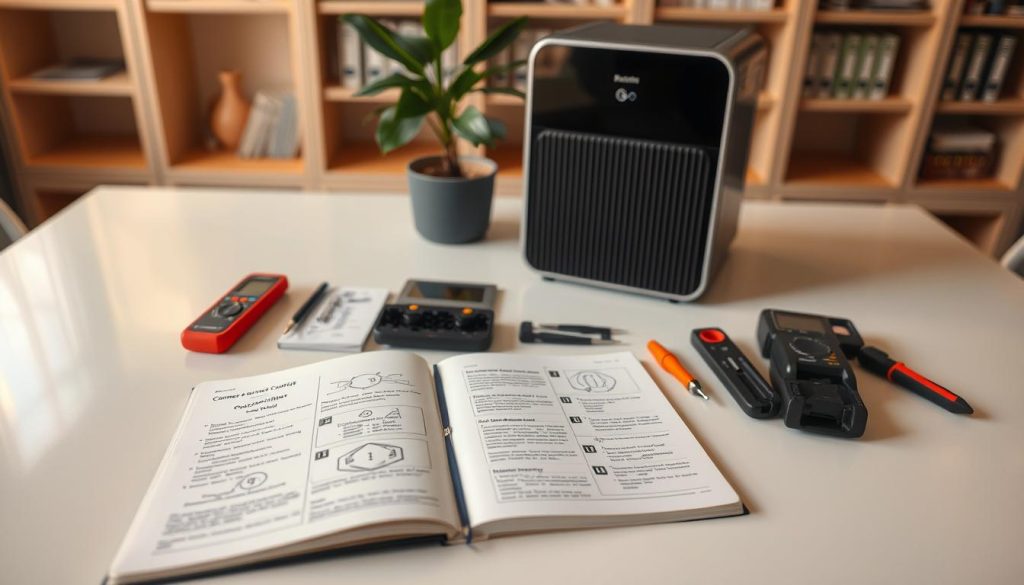
Not turning on: sockets, strips and cords
Check the outlet first. Plug a known-working device into the same outlet to confirm supply. Avoid overloaded power strips; they can trip and mimic a fault.
Inspect the power cord end-to-end. A damaged power cord or a loose plug can stop startup. Move the device to a dedicated outlet to isolate a faulty socket.
Controls unresponsive: reseat covers and isolate
Many models block inputs if the filter compartment is not fully closed. Reseat covers and panels securely, then power-cycle safely (off, unplug, wait, replug).
If the display lights but buttons do nothing, the interface likely fails. If nothing lights, the issue is power delivery or the internal PSU.
Keeps turning off: mode logic vs real faults
Some units use Smart or ECO mode and stop after 10–30 minutes of good air quality to save energy. To test, switch to a continuous mode temporarily.
Escalate to manufacturer support or a qualified technician if random shutdowns persist on a stable outlet, or if controls remain unresponsive after reseating.
| Symptom | Likely cause | Quick test |
|---|---|---|
| Won’t power on | Faulty outlet / power strip / cord | Try a known-good outlet and cord check |
| Buttons do nothing | Loose cover / control failure | Reseat panels, power-cycle |
| Unit shuts down | Smart/ECO mode or voltage/overheat | Switch to continuous mode; monitor on stable outlet |
Weak performance and low airflow: restoring clean air delivery
When the unit seems to run but the room still feels stale, reduced airflow is the likely culprit.
What weak performance looks like: low breeze at the outlet, lingering odours, or little improvement in air quality despite operation.
Clogged filters and hygiene risk
Clogged filters restrict airflow and cut clean air delivery. Dust, pollen and fine particles build up and force the motor to work harder while doing less.
Heavily soiled filters can even reintroduce contaminants, including mould spores and bacteria, so replace or clean them on schedule.
Filter packaging left on
One common, easy-to-miss cause of near-zero airflow is leaving protective wrapping on a HEPA or odour filter.
Always check that packaging has been removed before fitting a new filter; it blocks intake and can make odd noises.
Intake, outlet and placement
Keep the intake and outlet clear of curtains, sofas and walls. Aim for roughly 15 cm clearance so the unit can circulate air effectively in Singapore flats and HDB homes.
Poor placement reduces performance even with fresh filters.
Fan speed, mode and room size
Raise the fan speed briefly after cooking or cleaning to help the unit “catch up”. If we need high speed all the time, clogged filters or inadequate room capacity are likely.
If the unit is undersized for a living room, it may never reach good air quality. Consider relocating the unit or upgrading to match the room volume.
“Check filters, remove packaging, clear intake and boost fan speed briefly — this often restores performance.”
Quick restore checklist:
- Inspect and clean or replace filters.
- Confirm filter packaging is removed.
- Clear intake and outlet; keep ~15 cm clearance.
- Use higher fan speed temporarily and reassess.
For a simple test of whether your unit is recovering performance, see simple ways to test performance.
Filter care, indicator lights, and ongoing maintenance
A simple maintenance rhythm makes a big difference to long‑term performance. We tailor a plan for Singapore conditions where humidity and haze speed up clogging.
Pre‑filter cleaning cadence
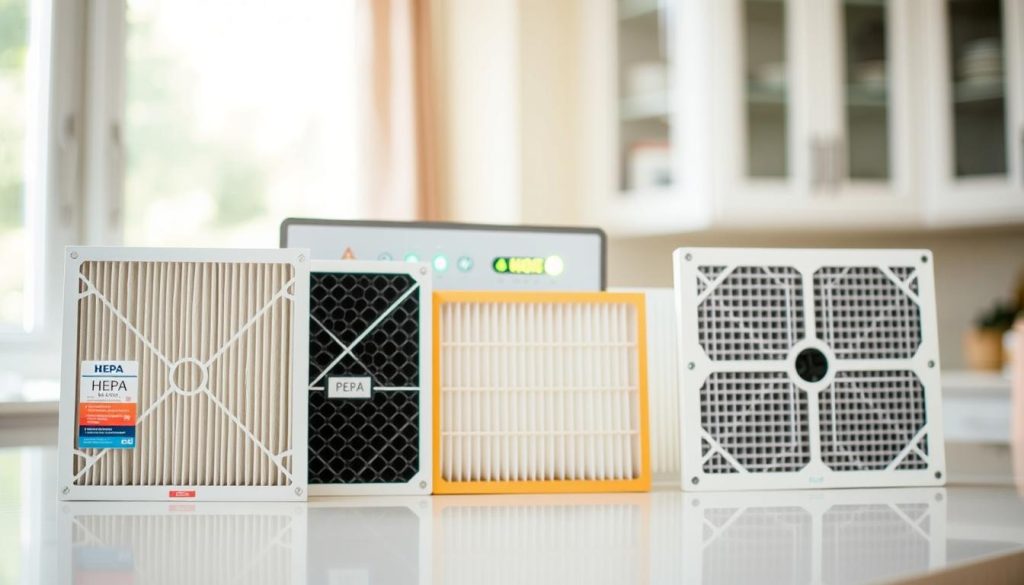
Pre‑filters usually need attention every 2–4 weeks. Switch the unit off, unplug, remove the pre‑filter gently, and vacuum. If the manual allows, rinse and then air‑dry completely before refitting.
HEPA and odour filter rules
Do not wash HEPA or odour media. These are for replacement only. Washing damages the fibres and reduces particle capture.
Red light reminders and resets
Red light reminders often mean it is time to replace filters rather than a fault. After replacement we usually reset the filter status by holding the filter or reset button for a few seconds with the unit powered on.
Overdue maintenance and service timing
Ignoring replacement leads to clogged filters, weaker performance, noisy operation, and possible motor strain. We log dates on our phones and book professional service if problems persist after fresh filters or if red lights return despite resets.
“Regular filter care is prevention, not housekeeping.”
Noises, smells, and overheating: identifying warning signs early
Strange noises, lingering odours and overheating often give clear clues about what needs attention.
Unusual noises
We distinguish normal running hum from warning sounds. Steady fan noise is expected; rattling, grinding or loud fluttering are not.
Start safely: switch off, unplug from the outlet, then reseat the cover and filter correctly. Check for small objects lodged near the outlet grille.
If debris is visible and reachable, vacuum accessible openings or, if allowed, tilt the unit gently to dislodge the item. Stop and contact support if the object stays stuck.
Foul smells
Bad odours often mean dirty or damp pre-filters, or that smoke has saturated internal media. In Singapore’s humid climate a damp pre-filter will smell sooner.
We recommend airing the room for about 30 minutes before and after running the unit where practical, and replacing soiled media promptly.
Overheating and immediate actions
Overheating is serious. If the unit feels hot, switch it off, unplug the cord and let it cool in a well‑ventilated spot.
Check for blocked intake or outlet, clogged filters and any heat source nearby. Test the outlet with a known-good device before reuse.
When internal parts may be failing
Recurring cut-outs on a stable outlet, hot cord sections, burning smells or motor‑struggling noises are red flags. These signs suggest motor or motherboard faults.
We stop using the product and arrange manufacturer support or qualified service to prevent damage or safety risk.
“Rattles, burning smells or repeated overheating need prompt service — do not keep running the unit.”
| Symptom | Likely cause | Immediate action |
|---|---|---|
| Rattling or grinding | Misinstalled filter, loose cover, foreign object | Unplug, reseat cover/filter, inspect grille; contact support if persistent |
| Persistent bad odour | Dirty or damp pre-filter, smoke saturation | Replace media, air the room ~30 mins, increase ventilation |
| Unit feels hot or trips | Blocked airflow, faulty outlet/cord, internal fault | Power off, unplug cord, cool down, test outlet, seek service |
Conclusion
To conclude, focus on a few repeatable checks that solve most startup and performance faults quickly.
Fast path to resolution: confirm safe power, reseat covers and panels, remove any filter packaging, and clear intake or outlet blockages. These steps restore clean air delivery in most homes.
Keep a simple habit: track pre‑filter cleaning and scheduled replacement so performance and indoor air quality stay consistent over time.
If you notice overheating, burning smells, sparking or repeated shutdowns on a stable outlet, unplug immediately and seek professional support. For safe cleaning tips, see our short piece on cleaning with a Lura wet‑dry vacuum.

